4D Builder Demo
An early, free demo of 4D Builder, a game about building and folding shapes in four dimensions. The full game is coming to Steam, where you can add it to your wishlist now.
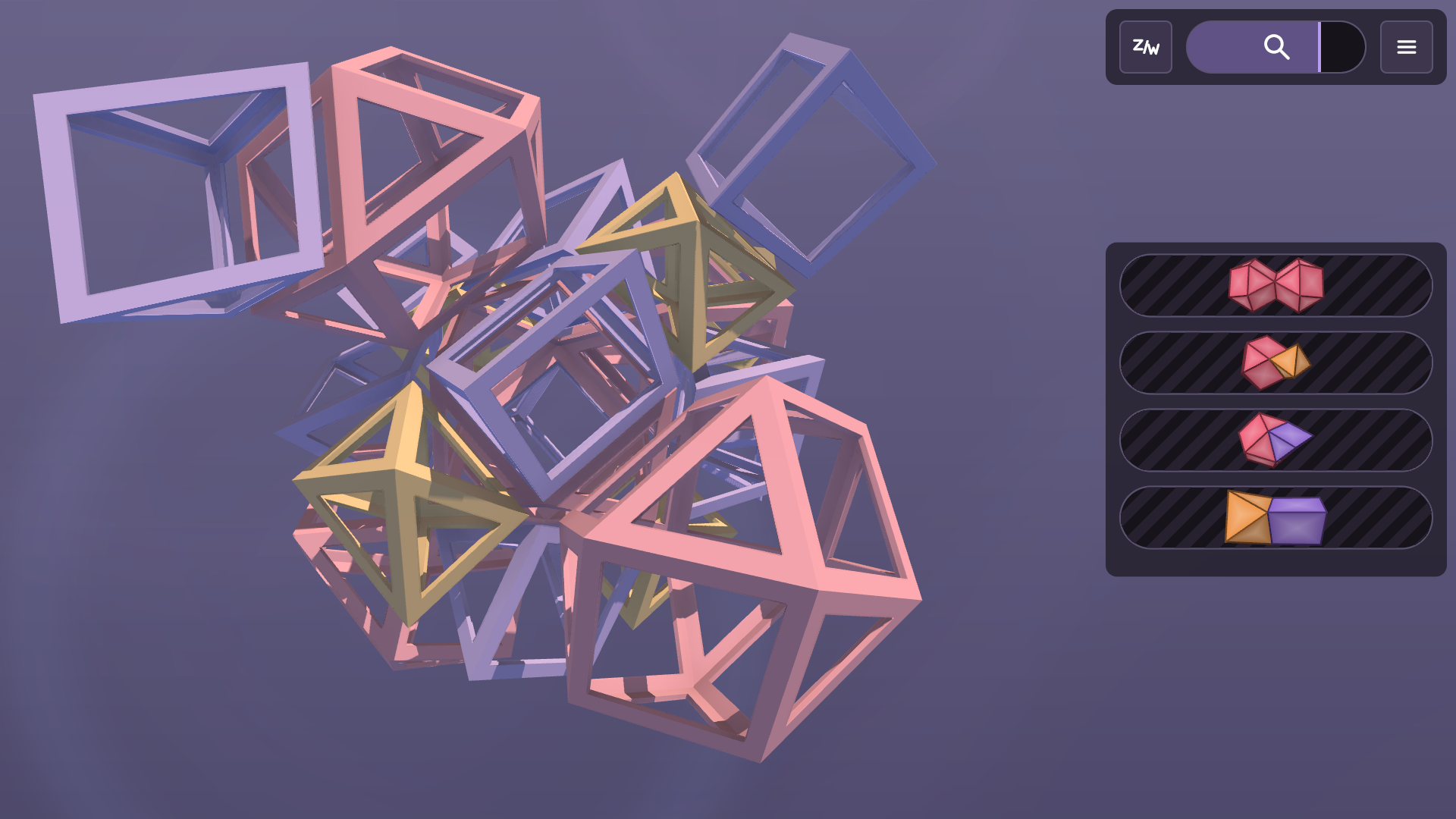
In 4D Builder you build four-dimensional shapes, called polychora, out of ordinary 3D solids: cubes, tetrahedra, octahedra and more. Just as a cube can be unfolded into 6 squares and folded back up, a 4D shape can be unfolded into a net of 8 cubes and folded back up through the fourth dimension. The game also lets you just build 3D shapes from flat polygons, which is useful for learning to use the game's tools before going up a dimension.
This demo has three parts, chosen from the title screen:
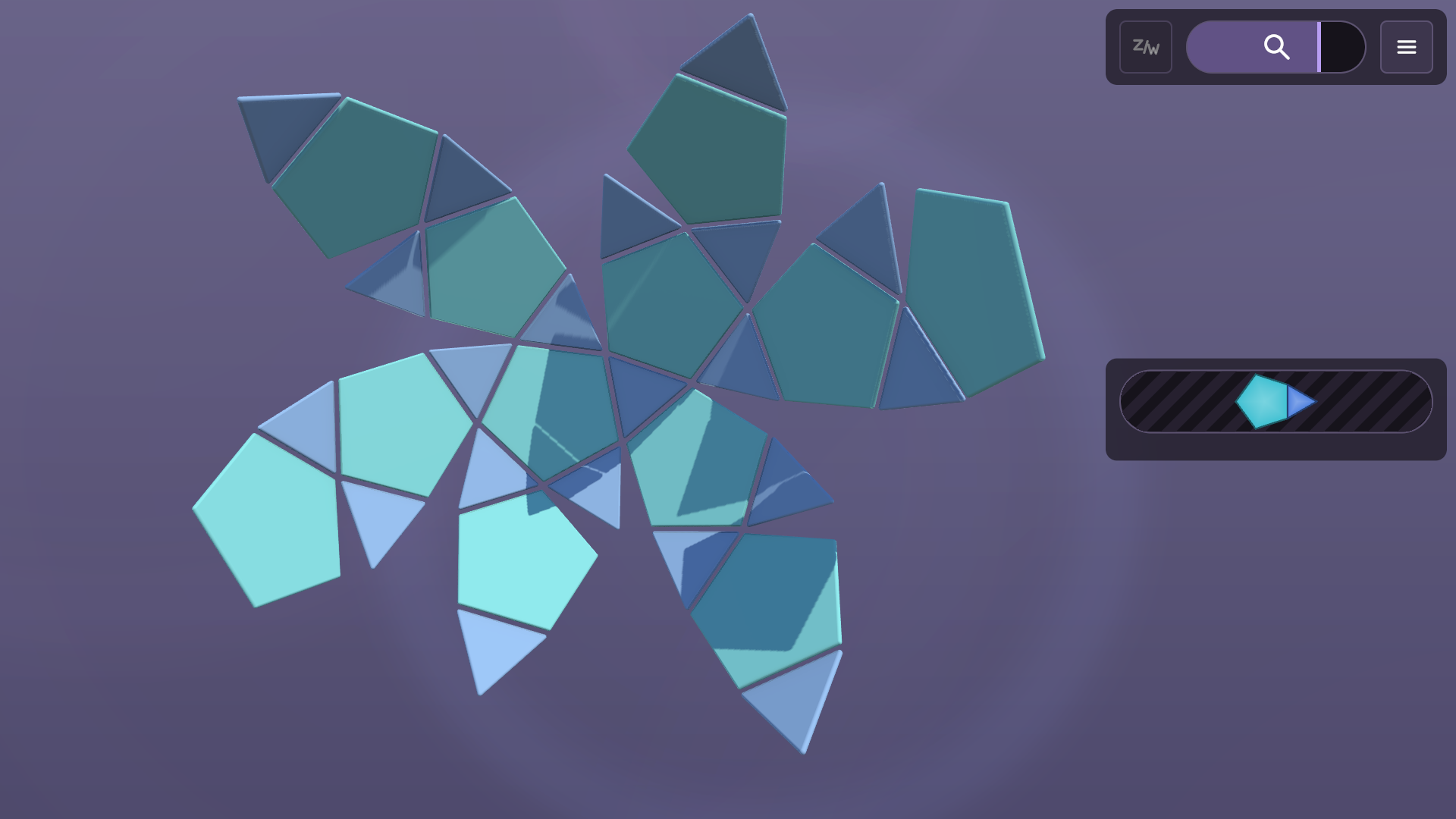
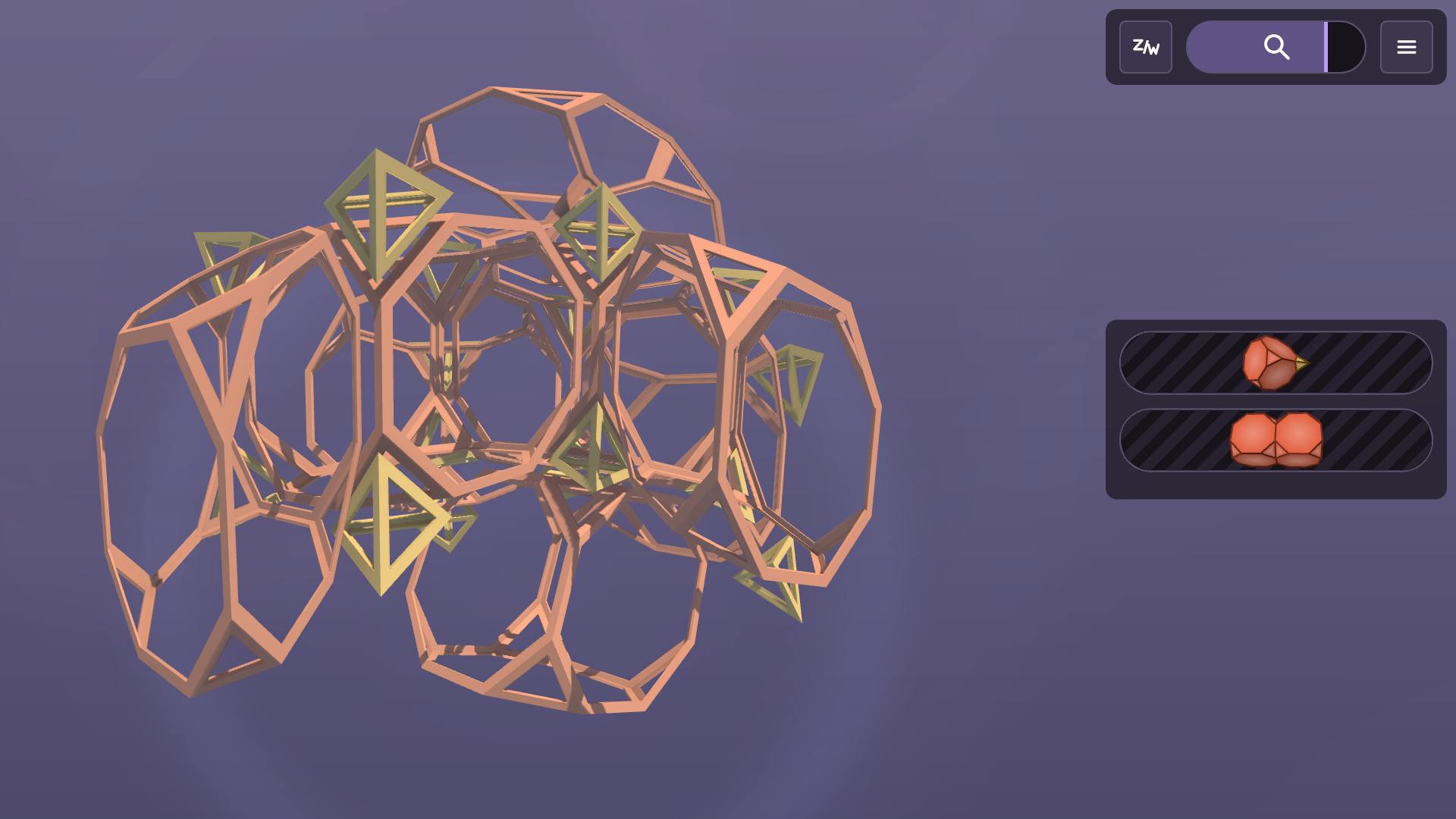
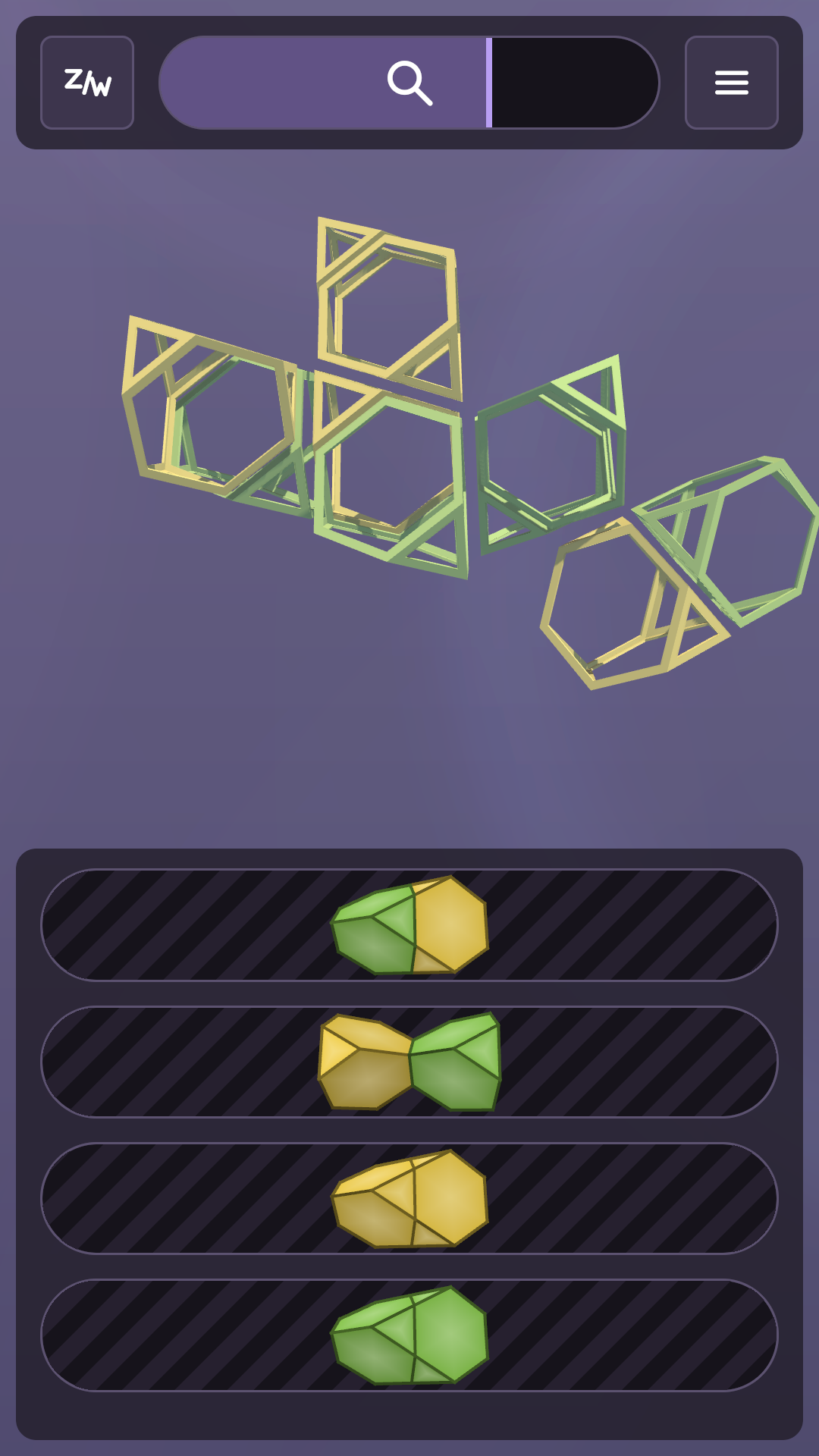
Puzzle : 50 hand-picked folding puzzles, from simple polyhedra up to 4D shapes. Each striped bar folds one type of join, and the icon on the bar shows which two pieces it joins. Drag the bars until the net closes up into its finished shape.
Daily : 3 new puzzles every day (easy, medium and hard), each a random net of a different shape. The last few days' puzzles stay available too.
Sandbox : build whatever you like (instructions below).
There's also a colour-blind option on the title screen.
Using the sandbox
Starting a build. Open the menu (top right on a phone, or the first button on the bar) and choose New. You can then choose from four kinds of build:
- 3D shape : polygons join at edges and fold into a polyhedron
- 4D shape : polyhedra join at faces and fold into a polychoron
- 2D tiling : polygons join and stay flat, tiling the plane
- 3D tiling : polyhedra join together without folding
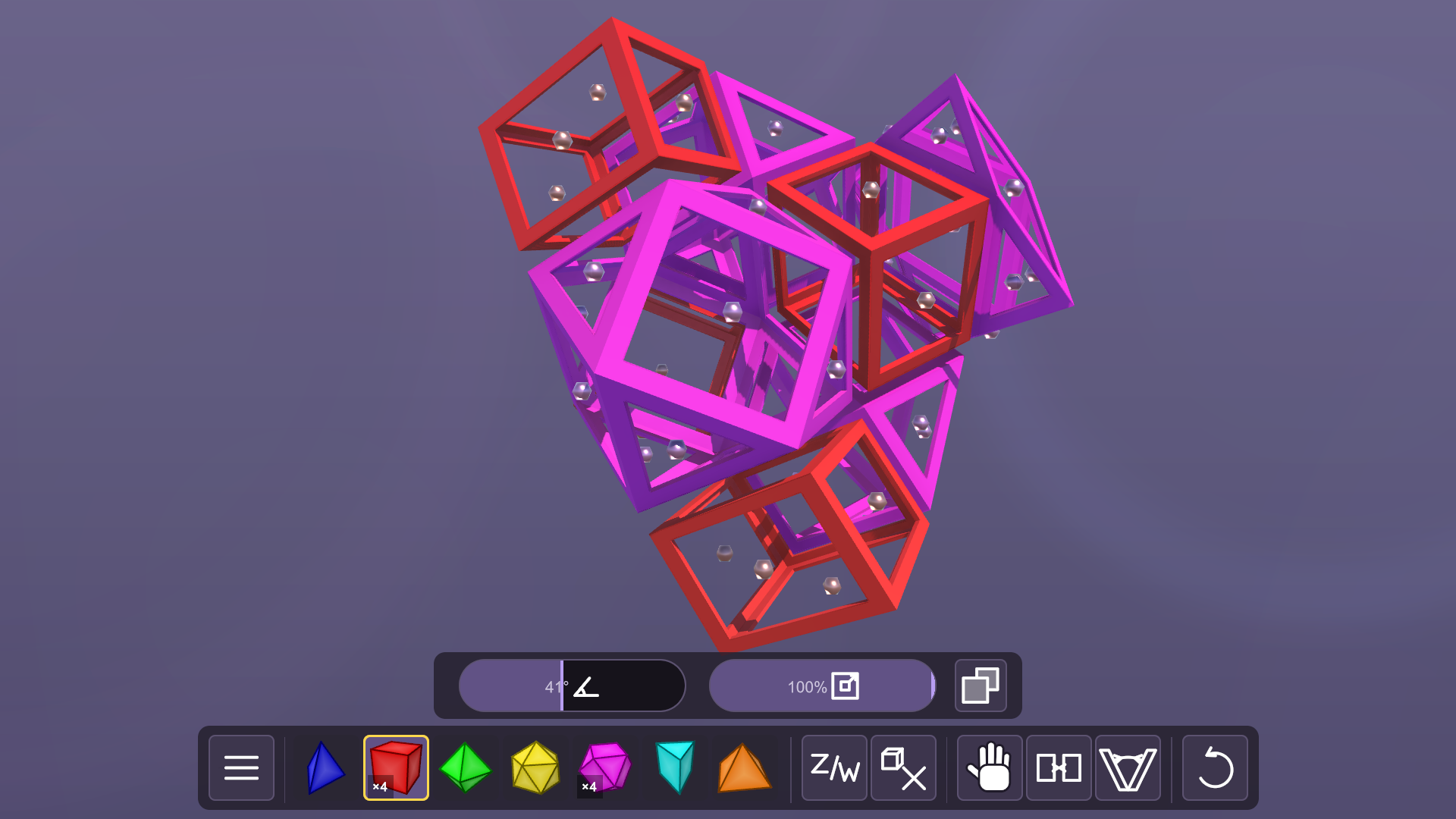
Choose a shape from the bar, then click or tap a face (or, in 3D, an edge) to attach a new piece there. (If it's the first shape, just tap the background to place it.) If there are different orientations in which the shape can attach, you'll be given a choice. In this demo, each shape always comes in its own colour. Use the right mouse button to delete a shape. If using a touchscreen, select the delete button (next to the z/w button) to enable deleting.
Drag the background to turn the view. With a mouse, left-drag turns it in 3D and right-drag turns it through the fourth dimension. On a touch screen, the z/w button switches what a drag does. Zoom with the scroll wheel or a pinch gesture. Two sliders sit above the bar: the angle a new piece arrives at, and the cell scale, which shrinks every piece so you can see inside the shape.
In 3D and 4D shape builds (not tilings) the pieces must be folded. There are several tools for folding parts together:
- The initial fold slider : Setting this to an appropriate angle can mean that when you create a piece, it can already be folded about as much as necessary.
- Drag pieces : Choose the hand tool and drag a piece. The build bends at its joins to allow you to drag a piece where you choose.
- Join nearby pieces : Clicking this button will join any pair of faces (or edges in a 3D shape) that are close enough together. This will happen automatically if creating a piece already close enough (see the initial fold slider) but if using the drag tool, you'll need to use this afterwards to join the pieces.
- Fold together : This tool allows you to select two pieces and have them attempt to fold together automatically. This is most reliable if the two pieces already share a vertex.
In tilings nothing folds: faces that touch join automatically as you build, so you only need to keep adding pieces.
The sandbox menu allows saving and loading your construction. There are six slots to save in the browser. If you want to save more than this, you can use the export button to download the build to your computer, and the import will allow you to upload a build from your computer. If you want to share builds with others, you might like to join our Discord. And any builds exported now will still be able to be imported in the full game on Steam when released, which will have all the cells available to the sandbox, as well as more kinds of 4D puzzles!
Leave a comment
Log in with itch.io to leave a comment.